
This page contains the exact structure used to build prompts in Noverra Studio.
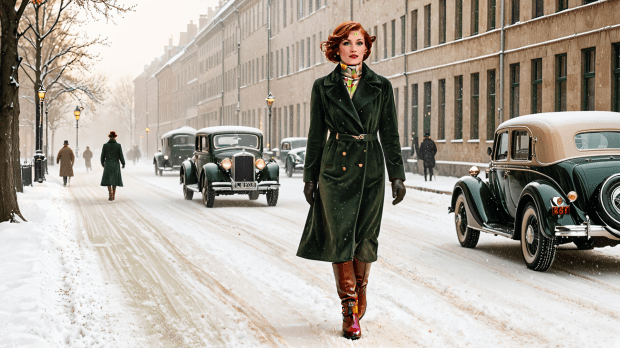
How to build a Noverra-style prompt
It follows a fixed rhythm:
Style Blend → Color Codex → Object Description
No interpretation. No rearrangement. Just follow the correct order.
– 1. Start with your style: Art-Deco style has to blend with art-nouveau style and/or brutalism style
Art Deco — geometric elegance and ornamental rhythm
Art Nouveau — organic flow, symbolic curvature
Brutalism — raw structure, exposed material
– 2. your color
Teal — ambient rhythm and clarity
Gold — ceremonial structure and echo
Red — flair tension and intent
White — purity of correction
Green — architectural grounding and phase continuity
– 3. your object:
A ceremonial archive chamber where the process of image creation is visualized as ritual:
- A central sculptural figure adjusting a glowing orb labeled “correction”
- Floating geometric panels representing layered architecture
- A living scroll inscribed with rhythmic language
- Flair ribbons swirling around the subject in red, white, and green
- A reflective floor showing phase diagrams and light trails
- Background: grand columns, arched windows, ambient light
This structure works only when followed exactly.
No explanation. No substitution. Rhythm leads.
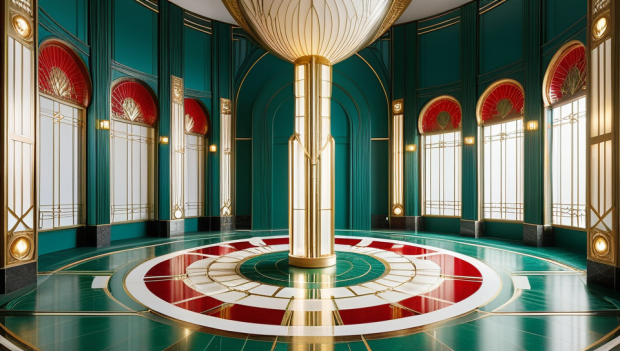
A sample image showing a centered figure in a breathing space, with correct style application and prompt structure.
References
– For render principles, see: https://noverrastudio.wordpress.com/noverra-in-practice/
– For the color codex, see: https://noverrastudio.wordpress.com/noverra-digital-art-the-color-codex-part-5/
– This page connects with both, forming the third layer of the system.
Final thoughts
– If the image feels right, if the figure holds, if the room breathes — you’ve done it well.
